




How to setup Wix Booking integration with Jotform
Wix Booking integration with Jotform, Wix booking website and you’d like to integrate it to your form, I recommend using the iFrame widget to embed it using its link. Let me show you how to use that:
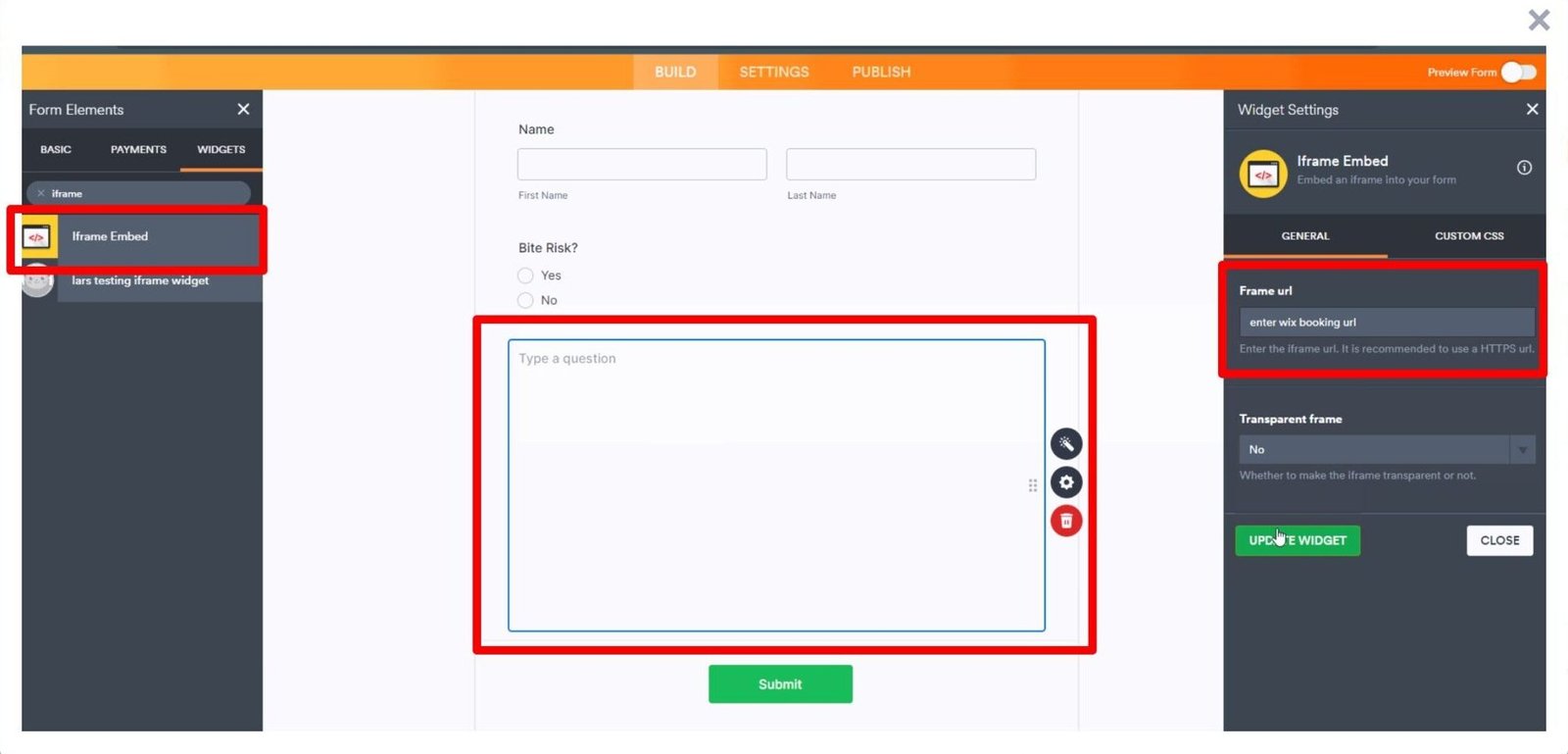
- In Form Builder, click on the Add Element button on the left.
- Under the Widgets tab, select the iFrame widget to add it to your form.
- Next, enter your Wix booking URL into the iFrame URL field and click Update widget.
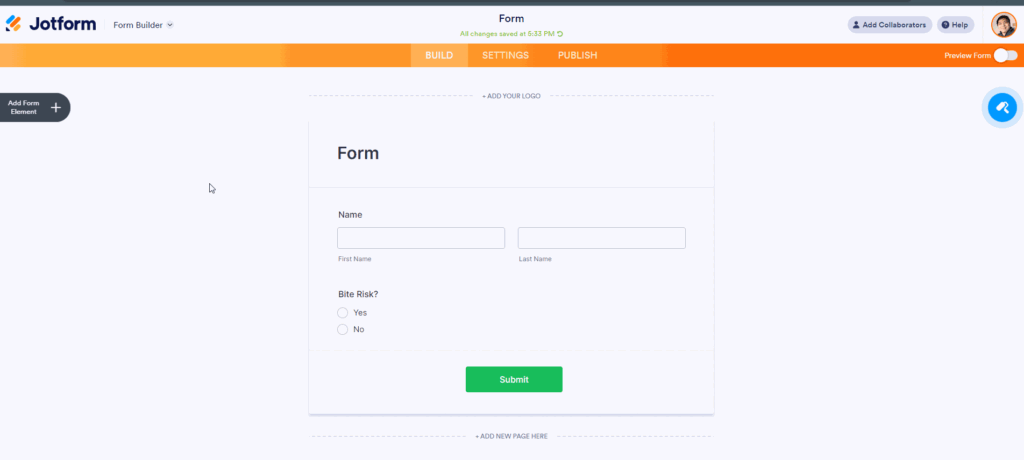
Now that the content is embedded, we can create a condition to show the iFrame embed widget based on the user’s answers.
- In Form Builder, click on Settings and Conditions.

- Next, create a new Show/Hide field condition similar below:


That’s it. We also have a guide on How to Show or Hide Fields Conditionally that you can check out.
Reach out again if you need any help.