




Wix Booking integration with Jotform

Wix booking website and you’d like to integrate it to your form, I recommend using the iFrame widget to embed […]

Picture of Md Mamun Miah

Md Mamun Miah

650+ Projects Done | Web Design & Development Agency | WordPress Experts | E-commerce Specialist | SEO & Digital Marketing Specialist | Webzlo.com | Elementorinsights.com | Wpbugfixing.com

Disclaimer:

Content on ElementorInsights is for WordPress and Elementor updates, new features, bug fixes, and learning purposes only. We may earn from ads or affiliate links. For advertising or sponsorship inquiries, email info@webzlo.com or contact us.

Officials Co-Partner:

Table of Contents

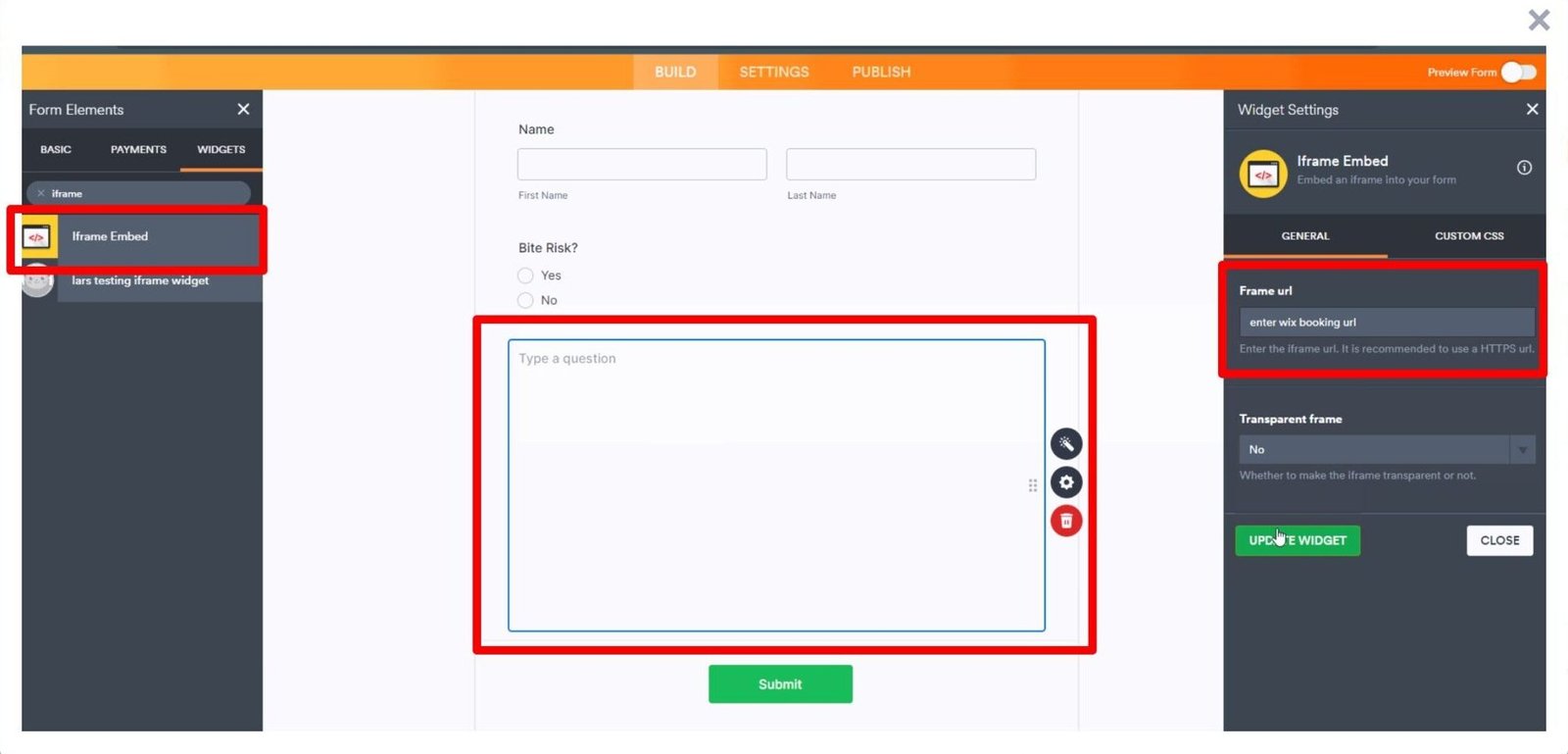
Wix booking website and you’d like to integrate it to your form, I recommend using the iFrame widget to embed it using its link. Let me show you how to use that:

  • In Form Builder, click on the Add Element button on the left.
  • Under the Widgets tab, select the iFrame widget to add it to your form.
  • Next, enter your Wix booking URL into the iFrame URL field and click Update widget.
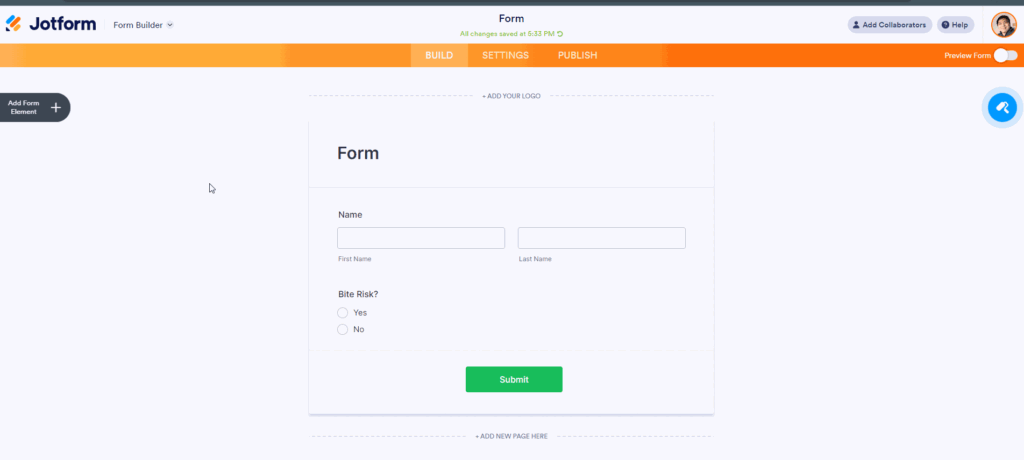
Now that the content is embedded, we can create a condition to show the iFrame embed widget based on the user’s answers.

  • In Form Builder, click on Settings and Conditions.
    Wix Booking integration with Jotform Image 2 Screenshot 51
  • Next, create a new Show/Hide field condition similar below:
    Wix Booking integration with Jotform Image 3 Screenshot 62

That’s it. We also have a guide on How to Show or Hide Fields Conditionally that you can check out.

Reach out again if you need any help.

Related Post

Wix Booking integration with Jotform

Wix booking website and you’d like to integrate it to your form, I recommend using the iFrame widget to embed

Scroll to Top